


FLASHFORGE Adventurer 5M Pro 3D Pinter, 600mm/s High-Speed with 1 Click Fully Auto Printing Systerm, Quick Detachable 280°C Direct Extruder, Auxiliary Chamber Cooling, Remote Control, 220x220x220mm
Original price was: $499.00.$379.00Current price is: $379.00.



From the brand

3D Printer 4 Colors with IFS
3D Printer, 600mm/s High-Speed
Fully Enclosed 3D Printer
Accessories for AD5M series
Accessories for AD5M series
Accessories for AD5M series
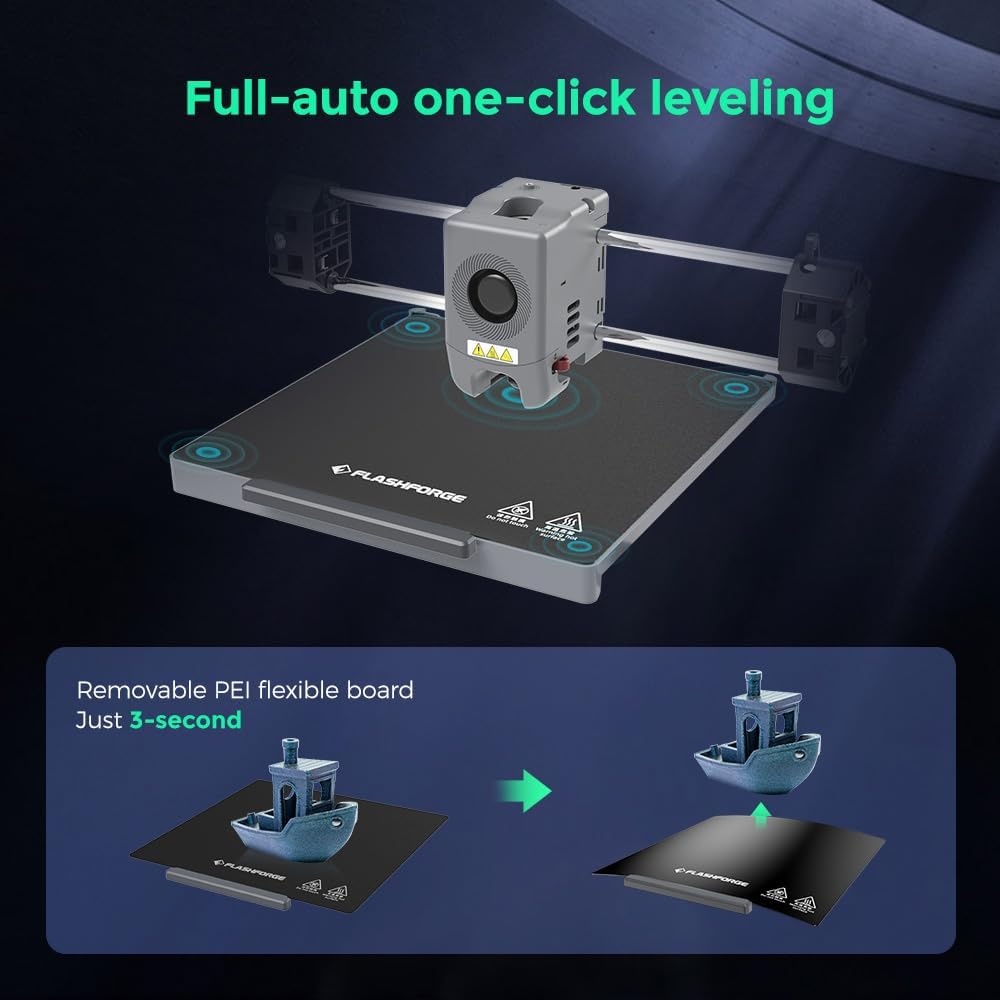
【Succeed with a Perfect First Layer】Full-auto one-click leveling calibrates and levels the bed properly, making you a perfect first layer for every 3D print. It provides accurate and smooth surface to achieve quality printing performance.
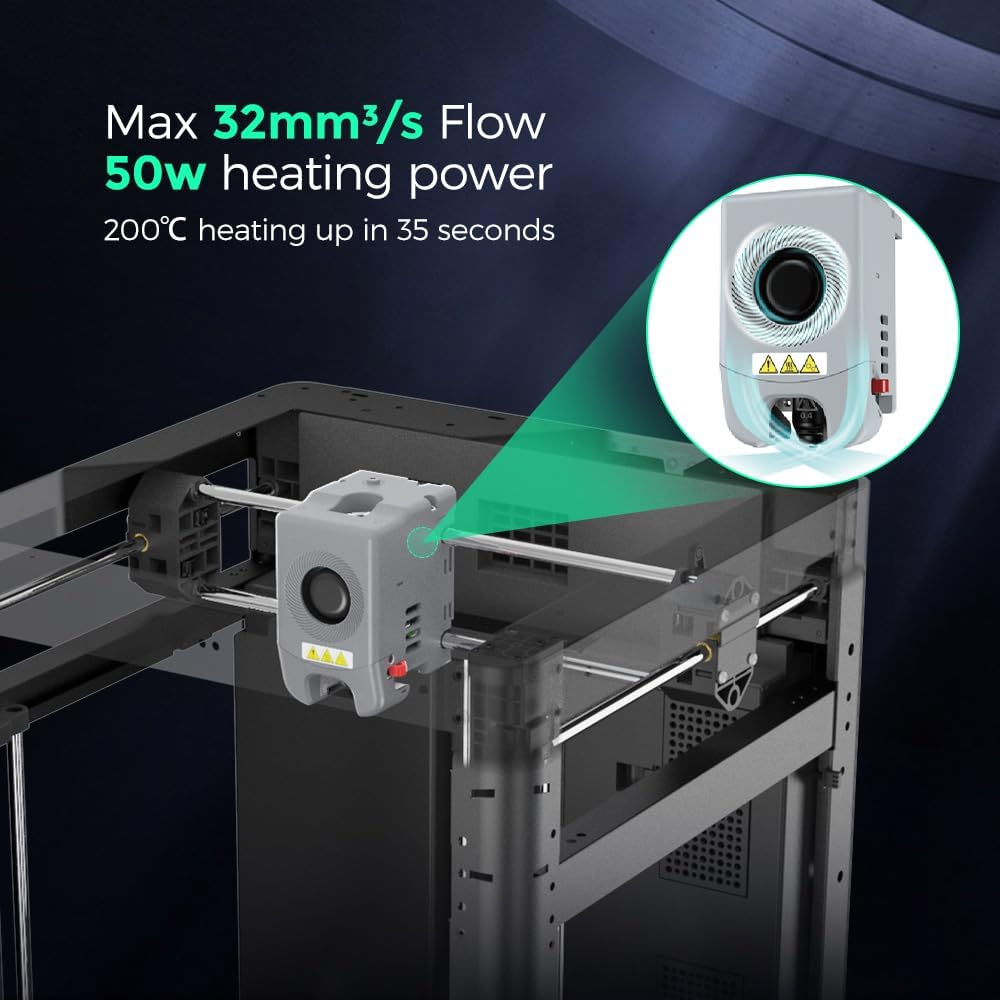
【Vibration Compensation&Less Waiting Time】Vibration compensation, eliminating ghosting in prints. Nozzle with a flow of 32mm³/s, 50w heating power, 200℃ heating up in 35 seconds. Precise and consistent extrusion for smooth and no-blur prints.
【Remote Camera Monitoring & Automatic Shutdown】The built-in chamber camera enables easy print monitoring on Adventurer 5M Pro. The automatic shutdown function ensures that the 3D printer will automatically shut down after the printing task is completed, avoiding unnecessary energy waste.
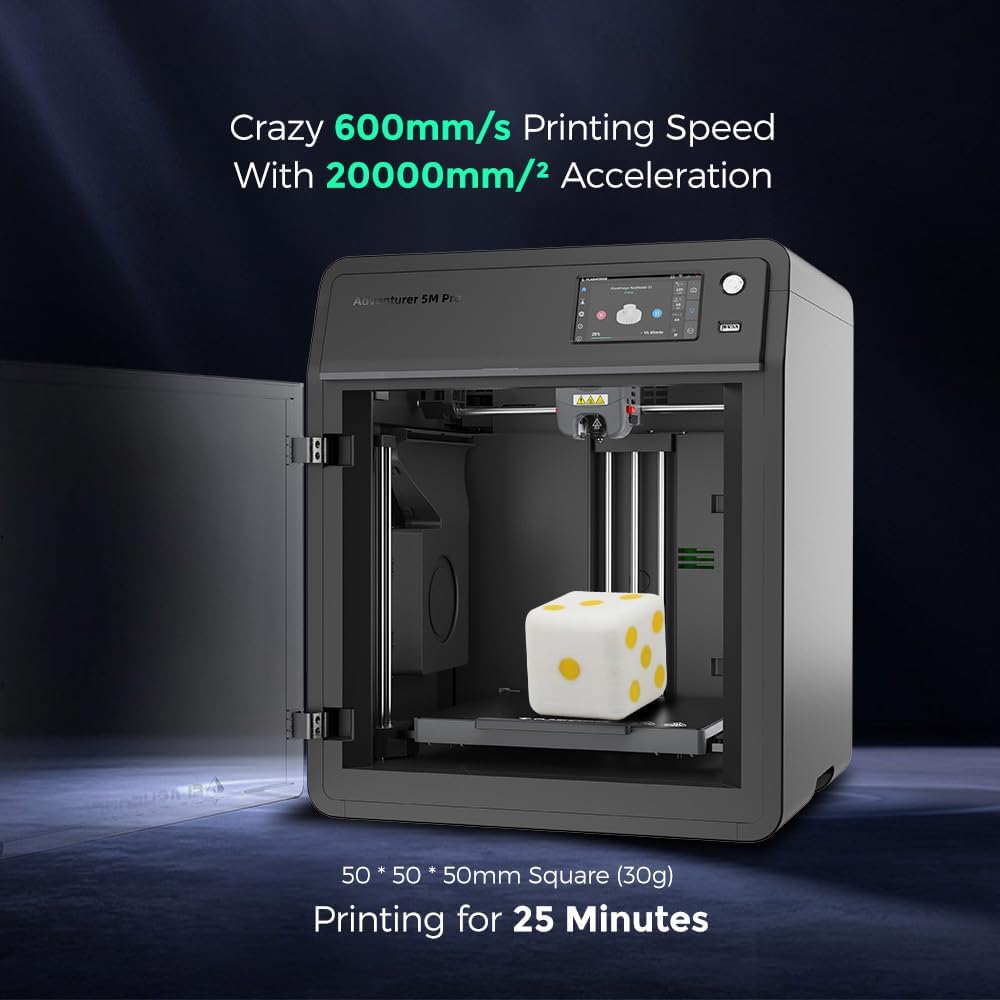
【Ultra-Fast and Exceptional Quality】Core XY up to 20000 mm/s² Acceleration, Maximum speed 600mm/s, the acceleration from zero to 600 mm/s takes just 0.025 seconds. From unboxing to starting printing, Only 10mins, Enjoy happy printing every day and great all-around quality.
【Dual air filtration system & 50dB Silent Printing】Adventurer 5M Pro adopts a dual filtration system of internal and external circulation. Dual-layer filtration–HEPA13 and activated carbon, effectively blocking 99% of particles and VOCs, thus protecting your respiratory system. Enclosed 3D printer equipped with a dual filtration system, suitable for use in closed environments such as study rooms and classrooms. 50dB low-noise printing, no disturbance to work or study.


Matthew j. C –
Get ready to enjoy 3-D printing!
Once you buy a machine, you will no longer have to fiddle or try to figure out why your prince are failing! I’ve got close to 300 hours on it with no signs of wear and tear. The thing still performs like it did the day I opened it up. I cannot get over how fast and easy it is to operate and the quality of the prints are amazing no fine-tuning,no fiddling with it no hassle when I want to print something. I just check that there’s good fulfillment and hit send very rarely fails and produces smooth prints.!
Barry –
Best Printer I have had.
The misprints I had, were eliminated when:1. I now regularly use the ‘self check’ setting after heavy usage.2. Moved the printer away from the door area (I assume because of the drafts).Filament handling could be improved. Having the filament at the back is a pain, especially when there is no audible alarm after the filament runs out. I resolved this by mounting the filament on the side. (Finding a screw that fits one of the holes, printing a spool holder, and replacing the short ptfe tube with a longer one.)Noisy though, but I figure you can’t have everything at this price.
Joseph –
Great machine
Great machine, it require tinkering but I love it.
Nicole –
There is no quality control or testing done
I received this printer on Feb 14th and through the holiday weekend I spent probably 24 working hours troubleshooting and trying to diagnose issues with this printer. I’ve attempted to use orca, cura, and flashprint, and none of them provided consistent results.Print success rate – My print success rate with this printer was probably 10%, with 90% of prints failing. I’ve auto leveled, vibration tested, manually leveled using the paper method, tried 4 different filaments (all PLA), modified probably 20-30 different settings at least 20 times each. Nothing I did would get the filament to extrude consistently across the bed. The bed also bowed up in the middle, so when the 4 corners were level the middle would scrape.Print quality – The print quality was actually really good, and quick when the print would work. I came away with some decent small prints, but could not successfully print anything taller than 20mm.Adhesion – I attribute a lot of my adhesion problems to the uneven first layers due to horrible extrusion, but unless I used a brim with everything, the print would eventually warp in 1 of the corners and eventually either fail or have terrible print quality. Some prints the hot end would eventually iron out the surface and it would succeed, but would have an uneven base.Build quality – The build quality was solid, it felt very sturdy, and built like a tank with only the base being plastic. My printer did develop a buzzing sound when moving along both x and y axis.Overall I can not and refuse to recommend this printer. Despite the good print quality, if I have to troubleshoot after every print and only 1 in 10 succeed then print quality really means nothing.Check the reddit for flash forge and the new 5m printers, my experience is not uncommon. Some youtubers are raving about it, and maybe they received a good unit, but the inconsistency with this product is awful, and you’re taking a big gamble if you purchase one.
Grumpy –
Great first 3D printer
I bought this printer as a 3D printing newbie hoping for something that’s both a good entry level printer and has good performance for small-ish electro-mechanical projects. I think I found it.What I like — It’s a refined, finished product. Most 3D printers seem to have a lot of tweakiness about them. I’m using the slicing software Flashforge provides and the preset slicing setups and all have given pretty decent first quality prints- A plate that seems to stick down PLA and PETG prints pretty well- Related to the first point, the software is easy to use, the printer is easy to set up, and the touchscreen utilities easy to use- Wifi downloading of files – no USB drive- The extruder moves in both X and Y directions, and the table in the Z direction. Some printers shift the work left and right. This seems more stable and repeatable- Built in leveling and vibration correction algorithms- Ability to upgrade this to an enclosed printer using an acrylic kit and print-it-yourself brackets- Excellent tech support. Unfortunately my printer failed within the first few weeks – one of the sensors that determines the x-y home went bad. When I emailed support I had a response within an hour. I had replacement parts and full instructions within a few days and I’m back up and running. It’s pretty good tech support for a consumer printer.- Readily available parts – replacement print plates, different sized nozzles, etc.What hasn’t been so great- The firmware freezes up from time to time- I don’t get the manual positioning settings menu. It doesn’t always go where I think it should- Kinda dark – wish it had a light in the work area- Early hardware problems – but quickly remedied by great tech support- Touchscreen is kinda sensitive to hitting the right spot on small icons- DIY enclosure kit shown on the website isn’t available for purchase yetAll in all I’d buy this one again. It’s less expensive than many, easier to use than resin, less experimental and tweaky than other filament printers. The company stands behind their product.
C. Harris –
The setup is easy. Just read the instructions and you’ll be fine. The printer setup goes smoothly, except for when it cleaned the nozzle, it moved to the rear of the machine and scraped the nozzle across the plate scratching it at the very back, the print area isn’t affected by this but the machine shouldn’t have done this. It should have asked the user to make sure the nozzle was clean, done a bed level/calibration.Other than that it has performed well, it prints fast, the build quality is good and solid. The screen is not capacistive, but rather a resistive type, similar to something like a Nintendo DS (bottom screen). Making it best to use a small stylus for best results. The resolution is good.The other thing that could be improved is integration and instructions for Orca Slicer to have the Devices tab work. It’s a bit disappointing that it isn’t explained, as to why it doesn’t show, which programs you might need (mainsail?). The wifi setup should also be explained better, I had to use a youtube video to help me along there.Print quality is solid, it is very fast, I slow it down on the perimeters to improve the print quality. Uploads and prints directly from Orca, which I quite like.Overall I’d give it a 8.5. Mostly down to the bed scratching, which didn’t need to occur, and the device tab in Orca not working and no explanation/instructions on how to make it activate properly (without being told you have to use Orca Flashforge version.)
Bobbi Millman –
I had purchased two printers from a different company on here and both had constant issues and I had to return both. Then I got this.. All I can say is WOW. It is so easy and user friendly. Straight forward pretty much from out of the box. I love that it’s enclosed, super quiet. We are printing while watching tv. There is two doors to enter the printer, top and side. It didnt fit a spool of filament that was super small but I just printed a hook that attaches to it. The bed raises up and down so really no problems with bed levelling and foolling around with settings. The internal camera only works with one of the two slicer programs that comes with it. If you use Orca slicer you can’t monitor the camera from the printer. A mild workaround. The FlashPrint 5 Slicer is simple to use, and you can see the camera from the computer but limited settings. That being said, I have been able to do all I need with it. There is no app to control remotely, but I have attached a smart plug on it to shut it off if things go wrong. (which it hasn’t needed to do). I am utterly delighted with this printer. Great for newbies and people who don’t like to tinker and just want their prints to work the first time.
Carlos –
Impressora muito boa, recomendo
Scott –
The Flashforge Adventurer 3M was fairly easy to set up, and has printed reliably with good quality. I’m finding it a bit noisy, and have bought the enclosure kit to reduce it. Running at 80% of the top speed also seems to help.I’m using Orca slicer to make the g-code file for printing and found it pretty straightforward.Overall good value for money and a quality build.
Rusty Rhodes –
Easy to use.. great on all fronts but 1.. needs less friction on filament spool holder.. problem with tpu as feeder motor has problems gripping and feeding extruder.