


3DMakerpro 3D Scanner Seal Lite, Small-Format 3D Scanners for Printing, Blue Led Light Source, Up to 0.02mm Accuracy, Mono Texture Scanning
Original price was: $999.00.$359.00Current price is: $359.00.


From the brand


At 3DMakerpro, we believe that everyone should have the power to create their own 3D world. We specialize in delivering professional, cost-effective 3D scanners designed for users across North America, Europe, and beyond
Together, we are passionate about making 3D technology accessible and user-friendly.
Medium-format 3D Scanner
Small-format 3D Scanner
Large-format 3D Scanner
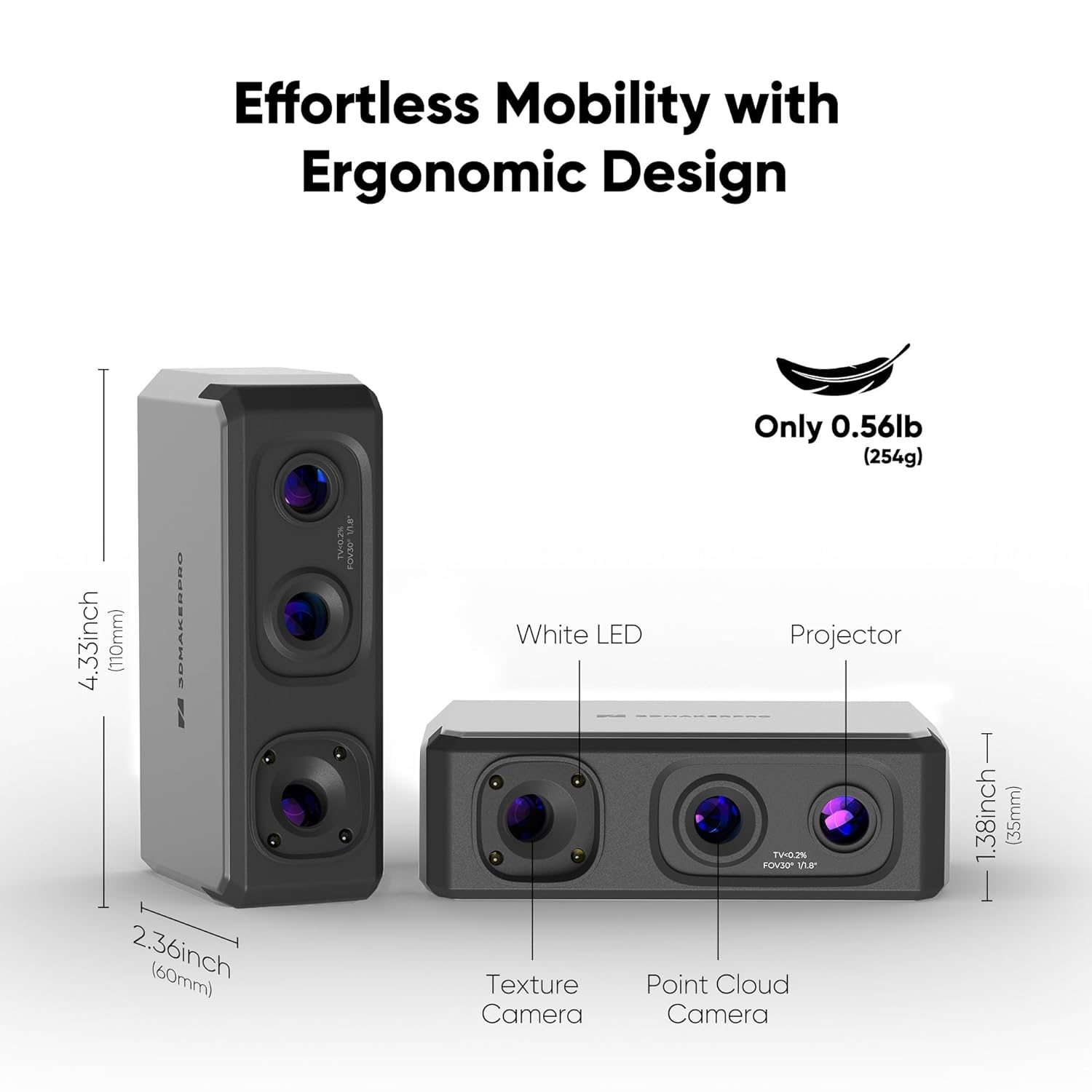
Package Dimensions : 8.7 x 6 x 2.8 inches; 1.4 Pounds
Item model number : Seal Lite
Date First Available : July 25, 2025
Manufacturer : 3DMakerpro
ASIN : B0FJX8M5J3
Best Sellers Rank: #106,640 in Industrial & Scientific (See Top 100 in Industrial & Scientific) #43 in 3D Scanners
Customer Reviews: 3.8 3.8 out of 5 stars 6 ratings var dpAcrHasRegisteredArcLinkClickAction; P.when(‘A’, ‘ready’).execute(function(A) { if (dpAcrHasRegisteredArcLinkClickAction !== true) { dpAcrHasRegisteredArcLinkClickAction = true; A.declarative( ‘acrLink-click-metrics’, ‘click’, { “allowLinkDefault”: true }, function (event) { if (window.ue) { ue.count(“acrLinkClickCount”, (ue.count(“acrLinkClickCount”) || 0) + 1); } } ); } }); P.when(‘A’, ‘cf’).execute(function(A) { A.declarative(‘acrStarsLink-click-metrics’, ‘click’, { “allowLinkDefault” : true }, function(event){ if(window.ue) { ue.count(“acrStarsLinkWithPopoverClickCount”, (ue.count(“acrStarsLinkWithPopoverClickCount”) || 0) + 1); } }); });
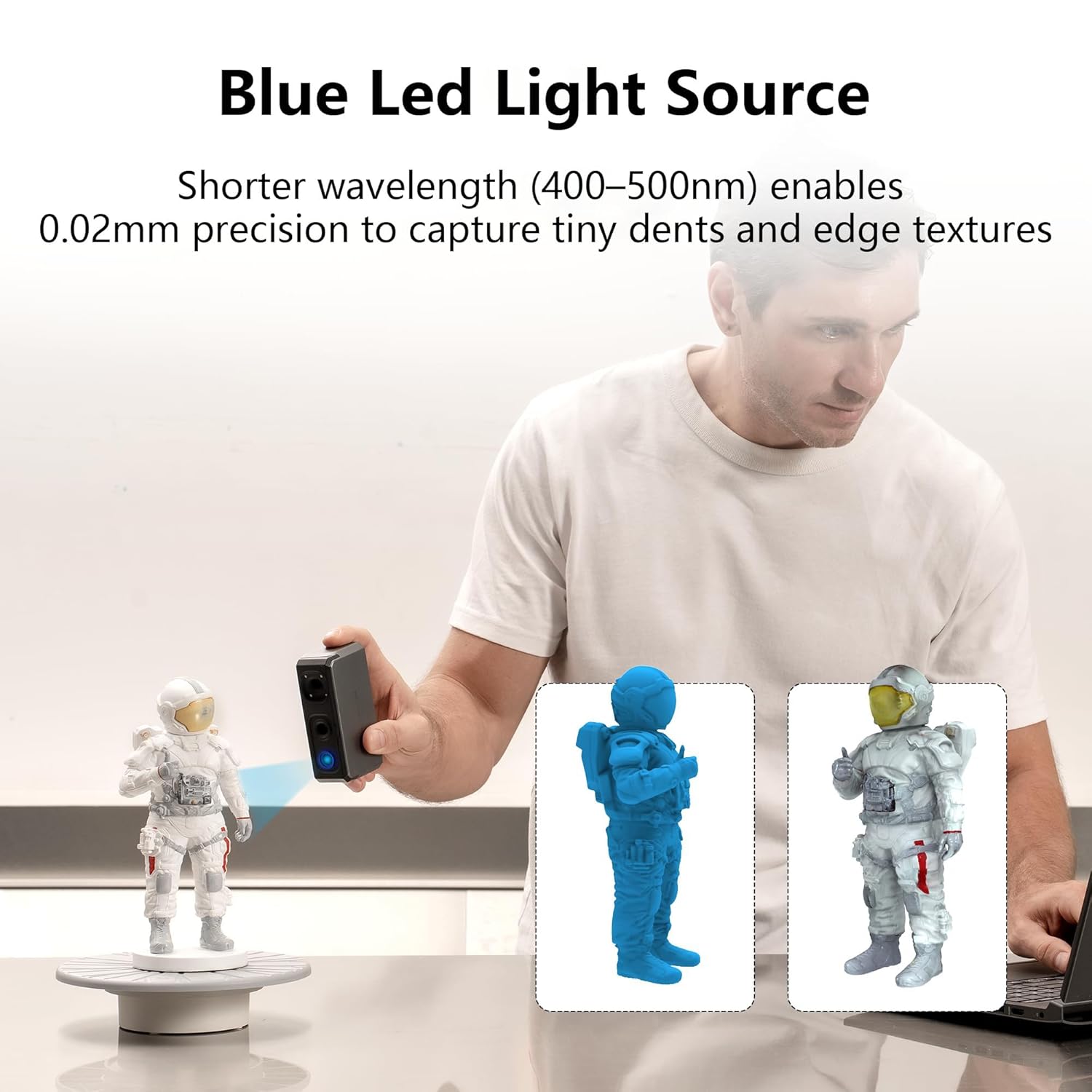
Blue Led Light Source: 3DMakerpro Seal Lite 3D Scanner uses a blue LED light source with a shorter wavelength (400–500nm), projecting finer structured light to achieve 0.02mm accuracy and capture tiny dents and edge textures in your 3D models.
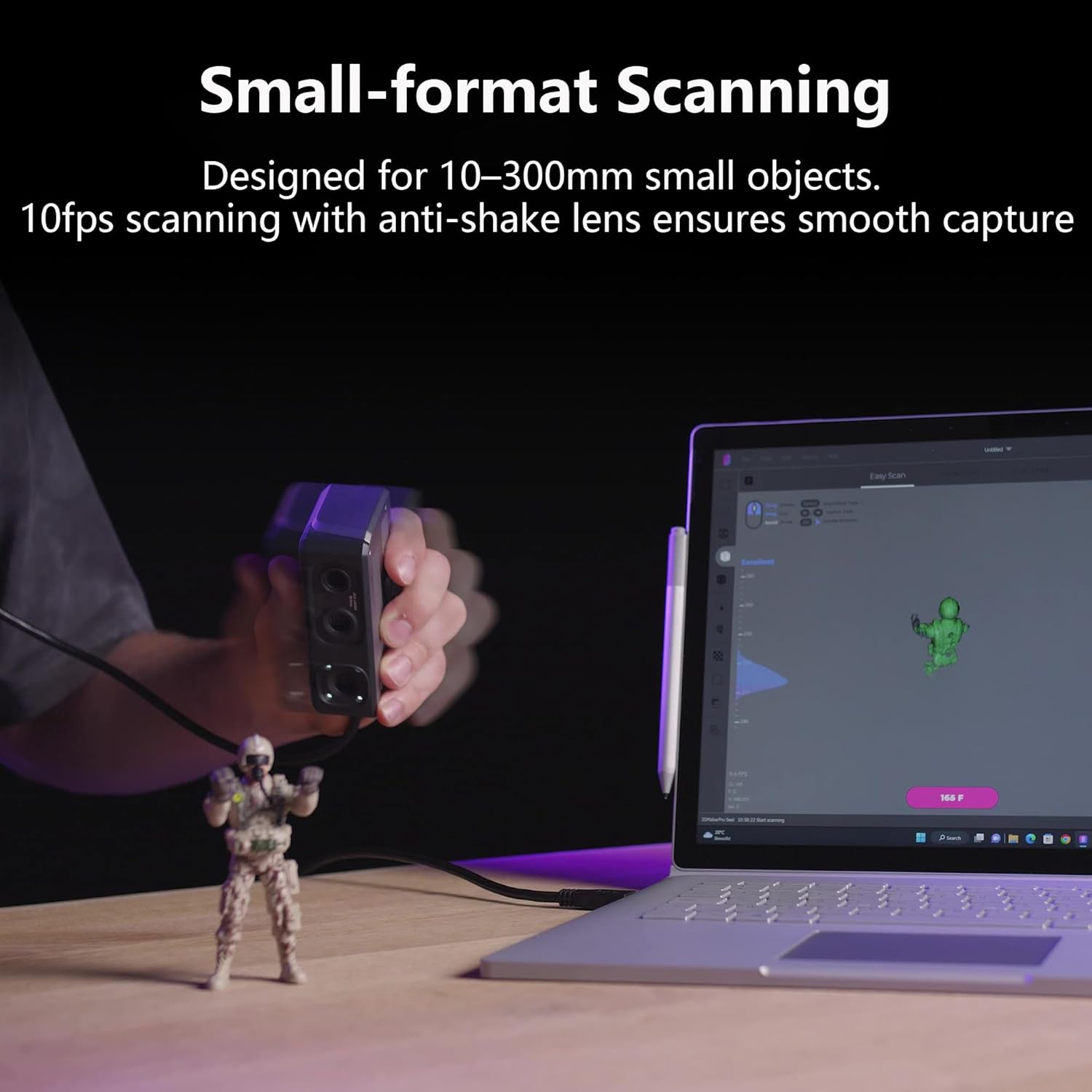
Small-format Scanning: Seal scanner is designed for small-format scanning of objects from 10 to 300mm, with a recommended working distance of 180–280mm for optimal results. Indoor use is suggested.
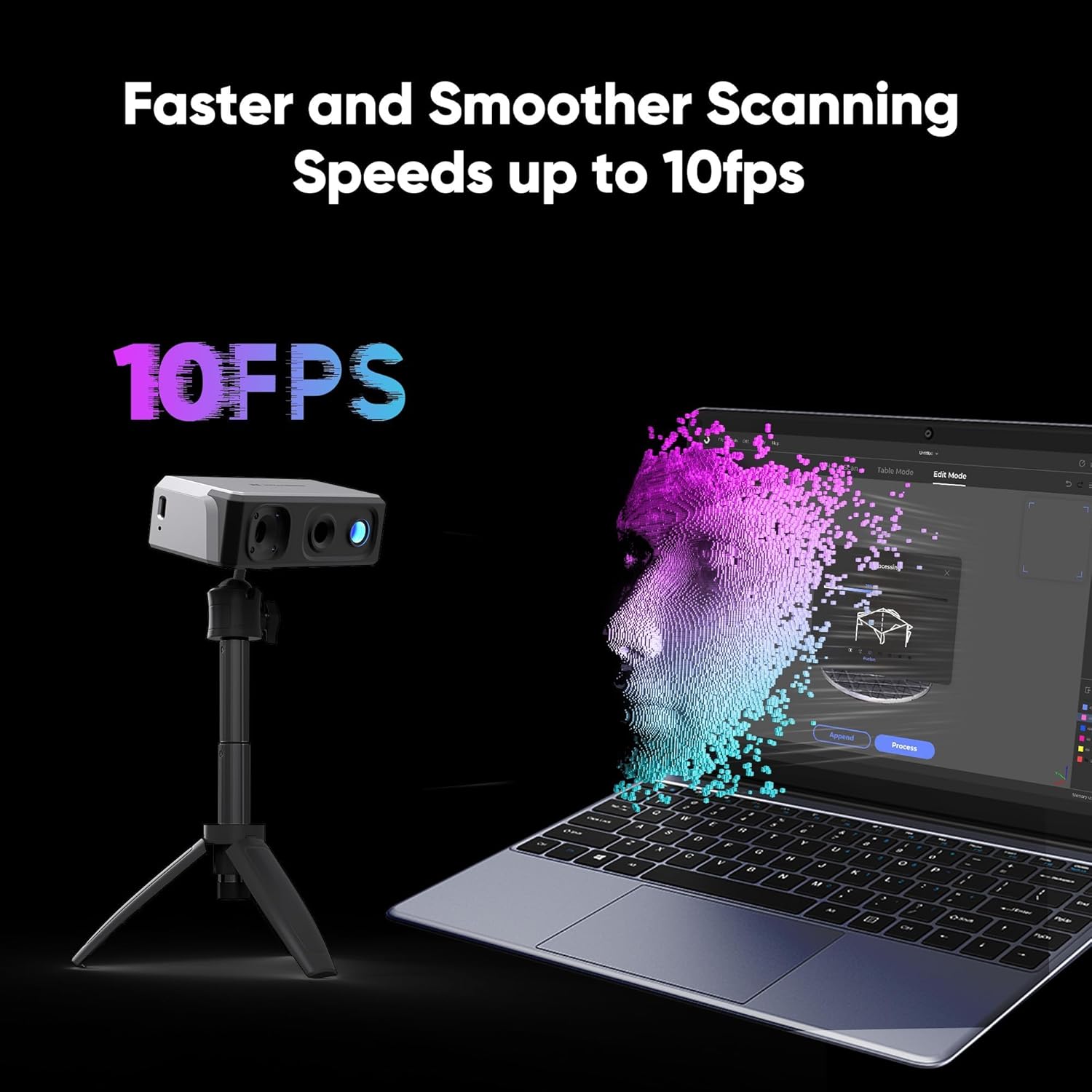
Practical Scanning Experience: Seal Lite supports scan-back and anti-shake features for more stable results, with a scanning frame rate of 10fps. It captures mono texture only and is recommended for indoor use.
More Options & Accessories: 3DMakerpro Seal is available in two versions—Seal and Seal Lite—with differences in scanning accuracy and color support. Enhance your experience with optional accessories like a turntable, tripod, and Smart Grip for rotating, stable, or even on-the-go scanning.
Free Software Support: Powered by JMStudio, enjoy features like visual tracking, error correction, auto-alignment, and export in OBJ/STL/PLY/ASC formats for 3D printing. Lifetime free updates. Compatible with both Windows and macOS.
Note Before Use: Seal Lite is a handheld 3D scanner with a learning curve, and it requires a relatively powerful PC to run smoothly. Please read the user guide carefully and take time to practice. Like learning to drive, once you’re familiar with it, unlocking endless creative possibilities
What You Get: 3DMakerpro Seal 3D Scanner (Plastic) , 65W Charger, Data Cable, 1-year warranty and our friendly customer service.




Ama –
Quality Affordable 3D Scanner, Tricky Learning Curve
Overall this produces great quality 3D scans, just once you figure out how to use it correctly. Most 3D scanners are not very straightforward to use, and so I would encourage you to look into how these work thoroughly before getting one as they are not plug and play like most cameras, and take a lot of work and understanding of how to best scan objects to get good end results.Once you’ve put that work in though, this is a great budget/entry level scanner. It produces great quality and accurate scans for its price. It’s not going to hold a candle to a multi-thousand dollar one, but it will still get you below 1mm accuracy with good technique. It overall works well and is very functional.You will need to download the proper software (instructions were easy to follow) and install it to get this running. The more powerful your computer, the easier/smoother your scanning experience will be, but it is certainly passable when I use my laptop as well. But a more powerful computer will make your experience better overall.This is great for those just getting into 3D scanning to figure out how it works and gain experience.
Monkey Frog –
Wonderful Small Object Scanner!
The 3DMakerPro Seal Lite is a fantastic and simple to use small-format 3D scanner. It’s pretty darned fast, actually. And the software is simple to use. A few things to note:1 – The device won’t work unless you download the software and run it with the scanner plugged in. It will then automatically download a configuration file that syncs the scanner with your software. Another reviewer here stated that the device wasn’t recognized on any of their computers. I am guessing the issue might have been they didn’t first download the software. The scanner’s going to need the drivers to work and be recognized. Else, the computer isn’t going to know what the device is or what to do with it.2 – Make sure to plug the USB that goes into your computer directly into a USB port on your computer. That may sound strange, but I first tried a USB station I had that also sends data. It wasn’t able to do what needed to be done. Once I plugged it directly into my PC, it worked like a charm.My first scan went off without a hitch. I exported to OBJ and opened it in my 3D software of choice. It was a nice mesh and easy to work with.I can easily recommend this 3D scanner if you’re looking for something to scan relatively small items with.
Citlalli Sandoval –
Nice Small Object Scanner
Set-up is relatively easy. The scanning software makes it easier to turn out good scans of small objects – it is far easier than the re-work I used to do in other packages. The scanner has two scanning modes: “geometry” for pulling out the fine structure detail of an object, and “texture” for complex colors and other textures. The software let’s you merge more than one scan together, so I’m eager to take a scan in each mode, and then align them. The software manual could be better, but so far I’ve been able to figure most things out.
Amazon Customer –
Wish companies tested their products
Complete piece of junk – tried it on 3 different computers, non would even reconize it as a usb device